JR
Audio callEntry in your list
Call-history entry
In your account until you delete it.
- Kept in
- Your account
- You can
- Delete your entry
A Messenger call leaves a trace in two places in your own account: the call history and the conversation with that person. Nobody outside the call gets a copy. Pick what brought you here.
You can delete individual calls from your call history. Meta states that this does not remove the call from the conversation.
End-to-end encryption means only you and the people you are talking to can see or listen to a call — Meta says not even Meta can. What the other caller’s device does learn is narrower than a “tracker” suggests.
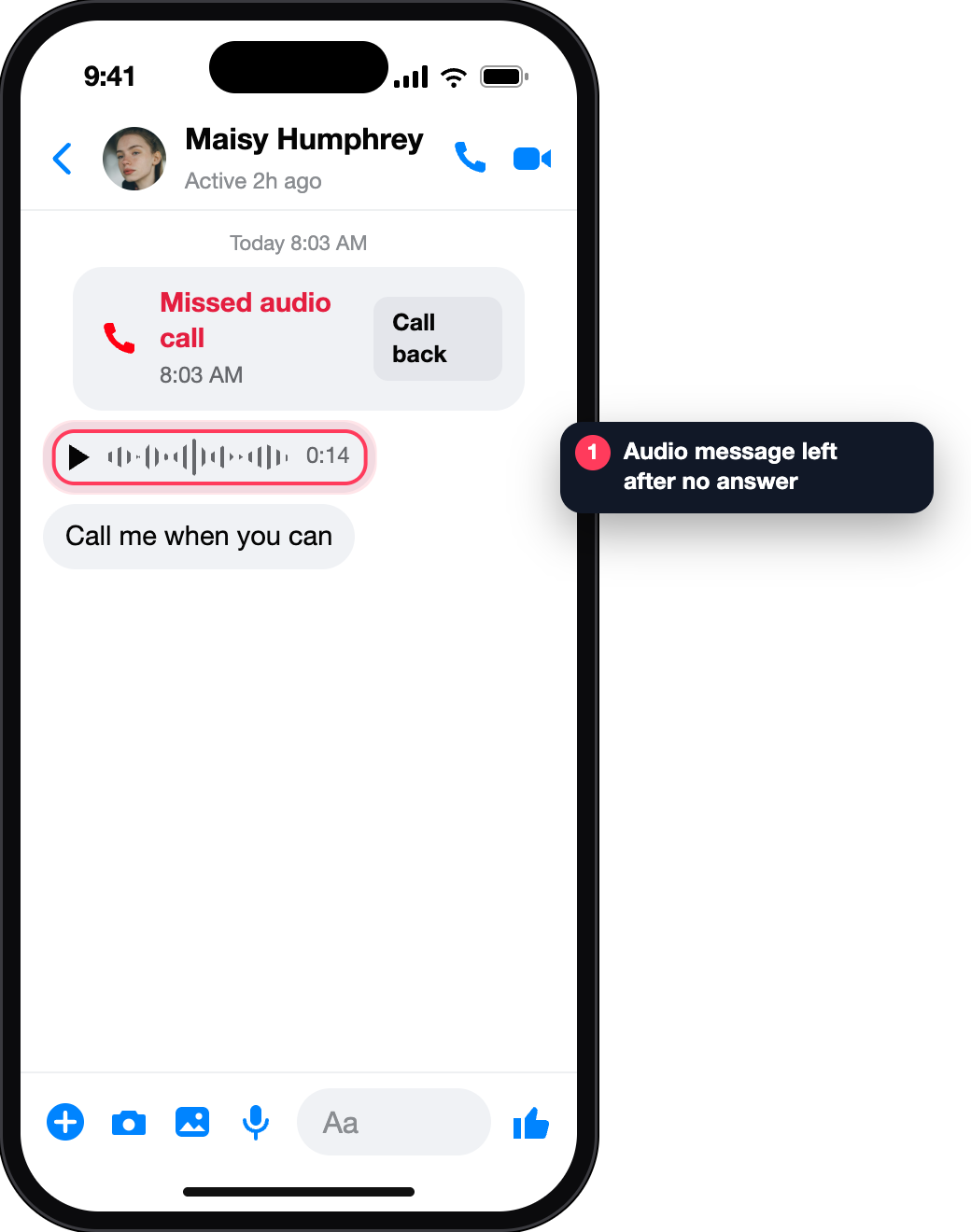
If someone does not answer, the caller can leave an audio or video message to play later. The feature is not available on computers.
The articles on calls describe calling, call links, call history and messages left after an unanswered call. None describes a built-in way to record a call, and a call’s audio or video is not part of a report.
Screens reconstructed for explanation · fictional data · not affiliated with Meta
Once in your call history, once in the conversation. Meta’s wording: you can delete individual calls from your call history, but this won’t remove the call from your conversation — for that you need to delete the conversation.
Deleting a conversation is a bigger step than it sounds: it takes the messages with it. If the goal is only a tidy call list, delete the entry and stop there.
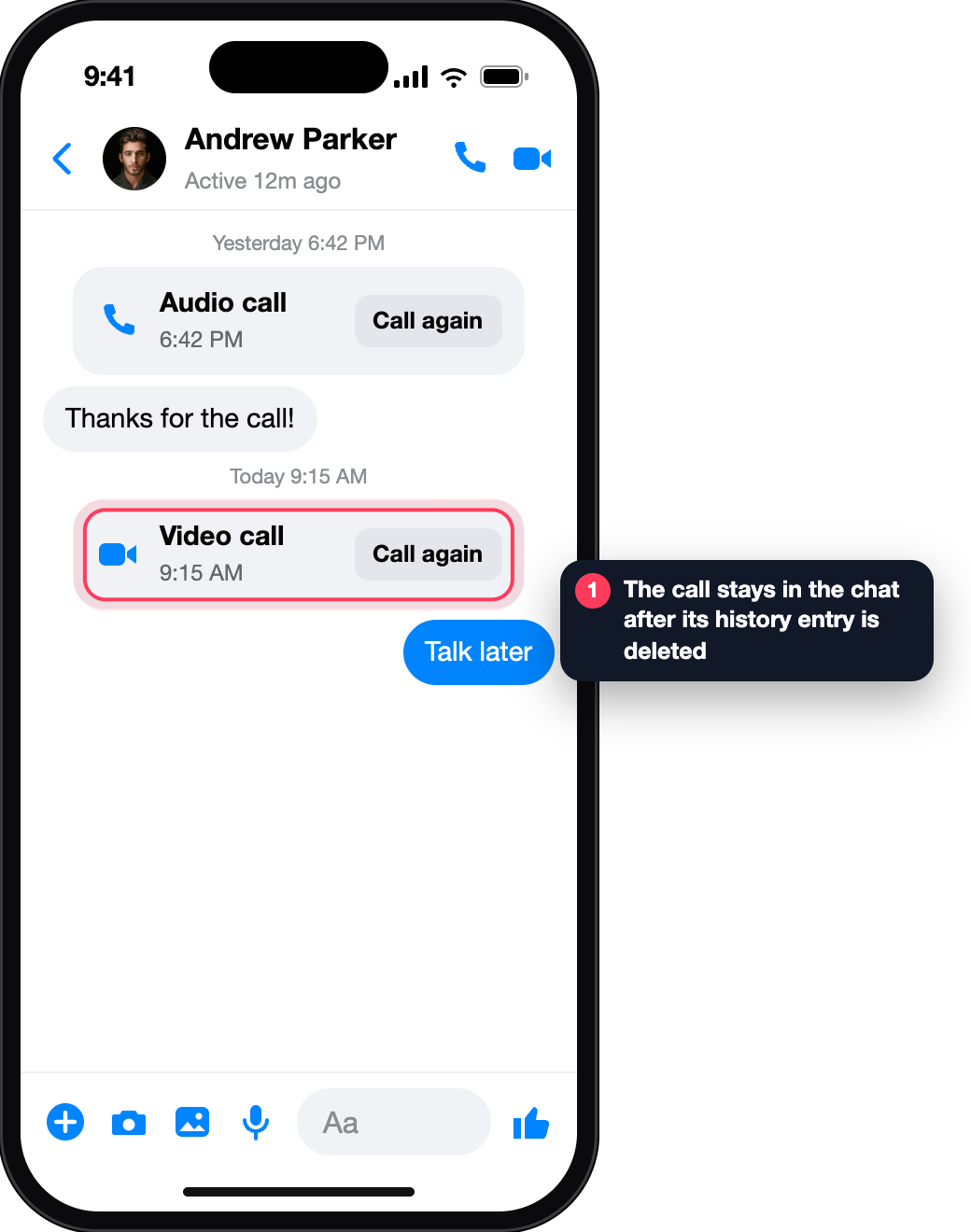
These are the steps Meta lists in its call-history article. They delete the conversation on your side.
Open the conversation, go to its information screen, then Options. The delete control is there.
Swipe left on the conversation in Chats, tap More, then confirm the delete.
Hover the conversation, open Options and choose Remove.
Searches for call tracking usually mean one of two fears: someone listening, or someone locating you through a call. Meta’s own descriptions answer both.
Listening. With end-to-end encryption, only you and the people you are communicating with can see or listen to messages and calls — no one else, not even Meta.
Locating. In a two-person call your IP address is shared with the other person’s device to set up a direct connection, and Meta says it may be possible for that person to discover it. An IP address points to a network and a rough area, not to a street.
Call links are different. A video call joined through a link is not end-to-end encrypted, and people in it see your profile name and picture.
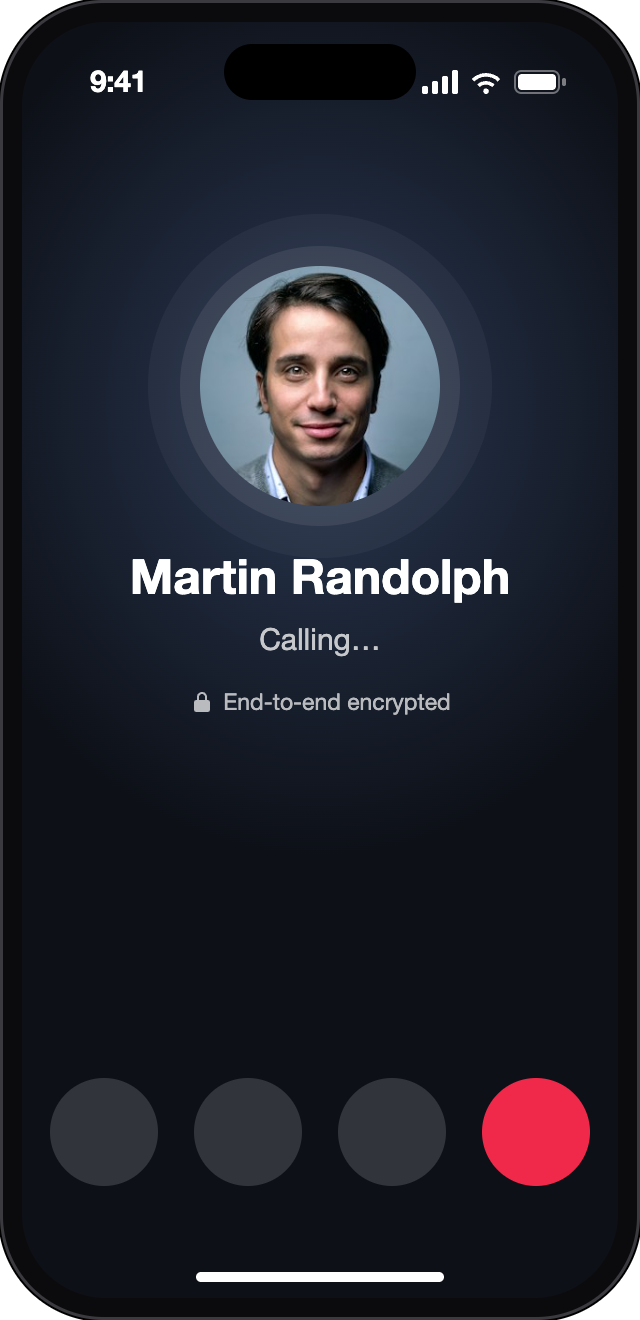
| Caller | Can they call? | Your control |
|---|---|---|
| Confirmed Facebook friend | Yes | Ignore the call, or block their messages |
| Messenger connection | Yes | Block their messages or their Facebook account |
| Someone with your video call link | Yes, through that link | Share a link only with people you want in the call |
| A caller who got no answer | Can leave an audio or video message (mobile apps) | Blocking stops both the calls and the messages |
Four things can outlast a call. None of them is a recording made by Messenger.
In your account until you delete it.
Stays after the history entry is gone.
Anyone logged in who is in the call, or joins later, can see and keep them.
An audio or video message the caller records on purpose.
Meta says you can’t report audio or video calls themselves; a report about a call link’s name carries no audio or video.
The export articles we read list no call records. We could not confirm that calls are included, so do not count on an export as a call log.
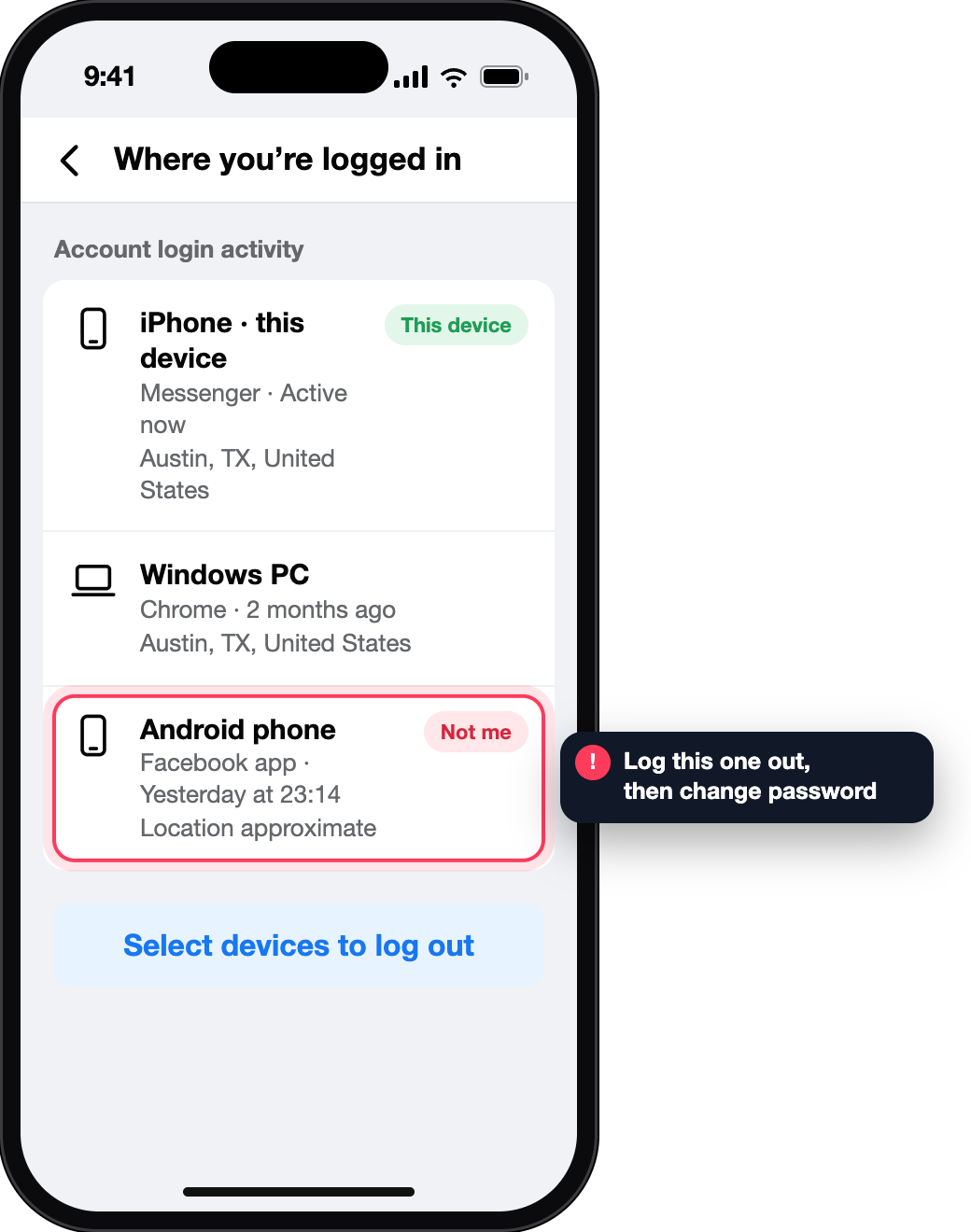
A call you don’t remember can mean another device is signed in to your account. Work through these in order; ticks are saved in this browser only.
Messenger keeps a call history in your account, and every call also appears in the conversation with that person. Meta’s Help Centre does not describe where the list sits in the current app, so the reliable place to look is the chat itself.
No. It changes your list. The call also stays in your own conversation until you delete the conversation.
Not from outside the call. Your call history sits in your own account, and there is no lookup of another person’s calls.
In a two-person call the other device receives your IP address, which may be discoverable by that person. It indicates a network and rough area only.
Meta’s Help Centre describes no call-recording feature, and says end-to-end encrypted calls can be heard only by the people in them.
No. A call history belongs to the account it is in.